

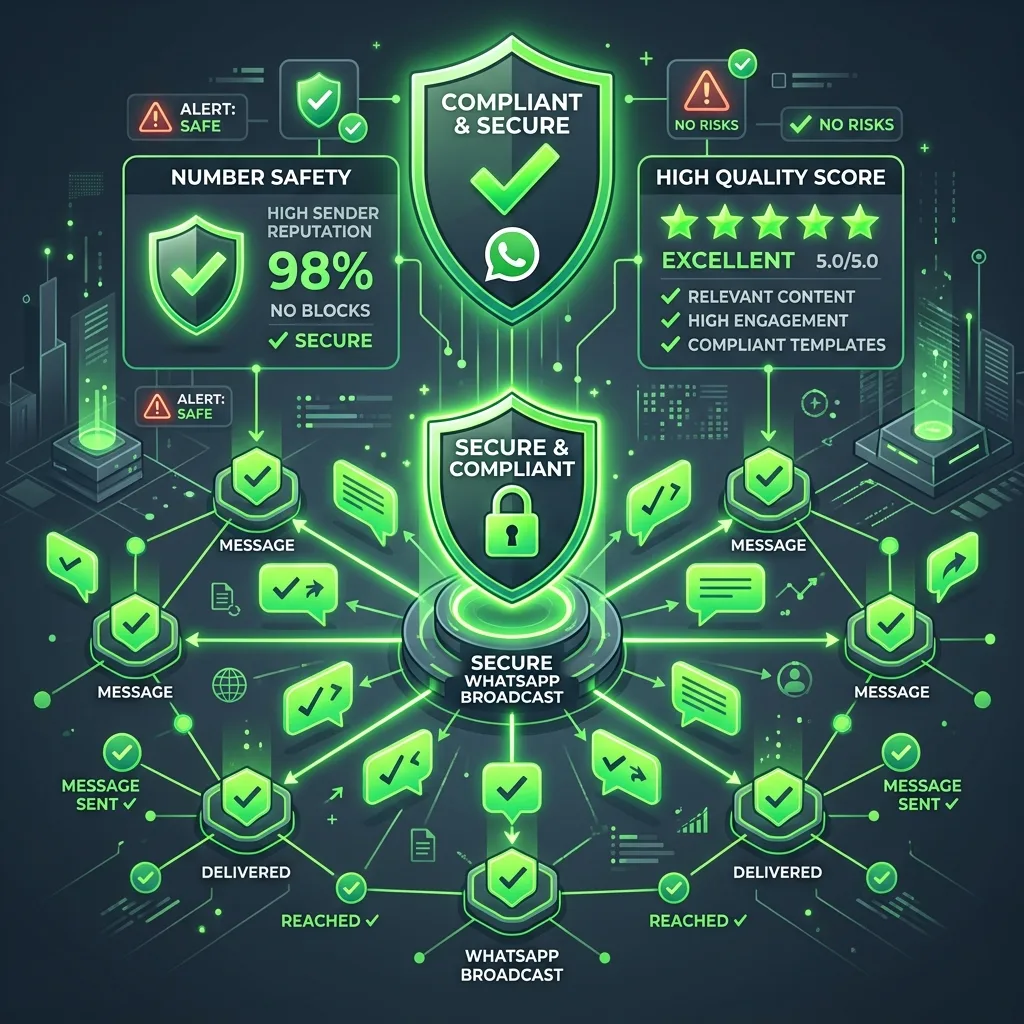
Understanding Meta's Quality Rating System
Unlike personal accounts, which Meta bans immediately upon reports, numbers utilizing the official WhatsApp Business API operate under a structured Quality Rating system. This rating can be Green (High), Yellow (Medium), or Red (Low).
"Compliance isn't a technical bottleneck; it is your ultimate deliverability asset. Higher quality scores lead directly to higher message delivery rates," explains Habeeb Rehman, Content Specialist at Sentikko. According to Meta Developer Broadcast Policy guidelines, maintaining a quality rating score of 98% or higher and keeping user spam report flags under 1 per 1,000 sent messages is mandatory to stay in high-volume tiers.
If too many users click 'Block' or 'Report Spam' on your message within a short window, your quality score drops to Red. Meta will then limit your messaging tier (e.g., restricting you from sending 100,000 messages to 1,000 messages a day) or temporarily flag your account.
Rule 1: Never Broadcast Without Active Opt-in Verification
The fastest way to trigger high spam report scores is broadcasting to cold leads or purchased lists. Every user in your campaign list must have given clear, explicit consent to receive communications from your business.
You can secure opt-ins through website signup forms, post-purchase checkout boxes, or interactive conversational flows on Instagram and WhatsApp.
Rule 2: Include a Visible 'Unsubscribe' or 'Stop' Button
If a customer no longer wants to hear from you, they will look for a way to opt-out. If you do not provide a clear 'Unsubscribe' button in your template, their only alternative is to block or report your number.
Always add an action button to your Meta broadcast template that says 'Opt-out' or 'Stop Messages'. Sentikko can be configured to automatically tag these users and exclude them from all future campaigns dynamically.